EasyBiz: 2024 Update
From an all-new information hub to advanced automation features, everything we introduced in 2024 is designed to help you save time, reduce errors, and stay connected wherever you are. Below is a breakdown of our most exciting updates, complete with detailed summaries and benefits.
Rules
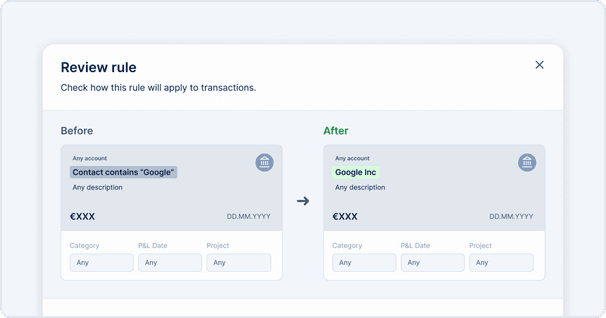
Create simple if/then scenarios for your transactions and documents, and let EasyBiz handle the rest. Whether it’s categorizing expenses or sending notifications, Rules saves you time and keeps things running smoothly without the hassle.
- Automated handling of routine tasks reduces the risk of manual errors.
- Eliminate repetitive data entry and let EasyBiz do the heavy lifting behind the scenes.
- As your business grows, these rules ensure operations remain efficient without requiring extra manpower.
Revised contacts
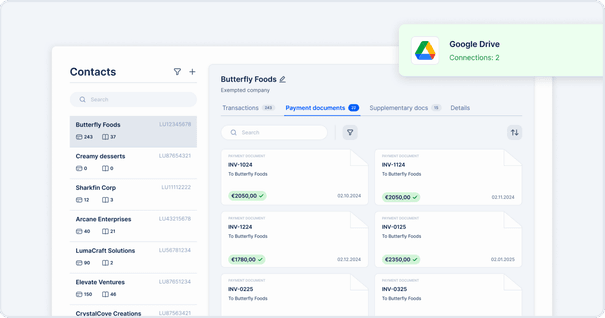
Managing your contacts just got a whole lot easier. Our revamped contacts system automatically pulls in data from your emails, CSVs, and integrated apps. Say goodbye to duplicates and messy address books — now you can focus on what really matters: building relationships.
Bank accounts management
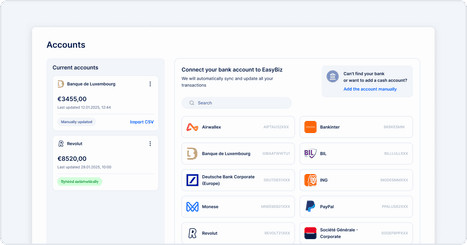
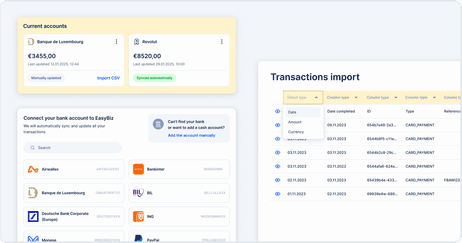
Connecting your bank accounts is now smoother than ever with our improved Open Banking flow. Plus, our enhanced CSV import/export makes managing your transactions a breeze. Whether you love direct feeds or spreadsheets, we’ve made it easier for you to keep your finances in check.
- Directly link to financial institutions and eliminate manual entry of transaction details.
- Use CSV-based workflows for bulk uploads, historical data imports, or internal reconciliations.
- Enhanced validation checks help prevent mismatched or incomplete financial data.
Product Onboarding
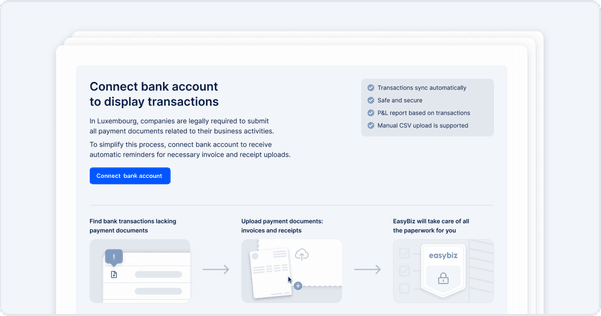
New to EasyBiz? Our fresh “empty states” guide you through setting up transactions, rules, and documents with ease. You’ll see helpful prompts right in the interface, making it super simple to get started and start using all the great features we offer.
- Immediate on-screen guidance reduces reliance on external help articles.
- Makes EasyBiz more approachable for new team members or first-time users.
- Straightforward instruction in-app leads to faster uptake of new functionalities.
Chat & tasks
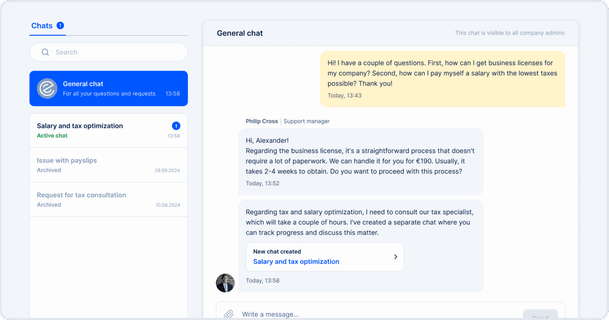
Chat with clients in real-time, attach documents, and create tasks directly within EasyBiz. Keep all your conversations and to-dos in one place for better collaboration and faster responses.
- Centralize conversations, files, and updates in one thread to reduce email clutter.
- You can track the status of your requests in real time using dedicated tasks.
- Faster communication and clear accountability translate to smoother client interactions.
Payroll Lite
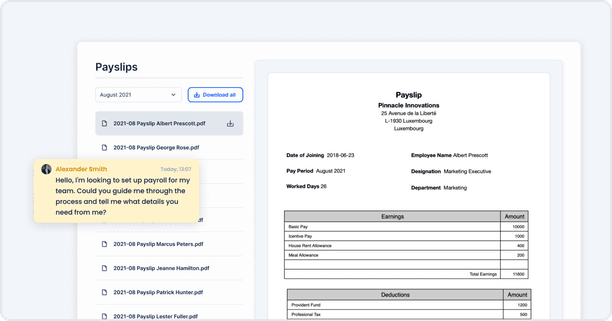
Perfect for small businesses, this streamlined tool helps you onboard employees and manage payroll without the fuss. It’s quick, efficient, and cost-effective—everything you need to handle payroll smoothly.
- A step-by-step form replaces complex payroll processes, ideal for small teams.
- Reduced data entry and minimal setup lead to quicker pay runs.
- Less overhead than a full-scale payroll system, perfect for businesses just starting out.
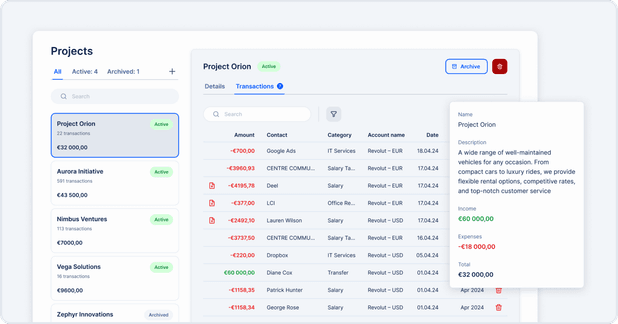
Projects
Organize tasks, track milestones, and keep an eye on timelines all within the EasyBiz app. You can create dedicated project spaces for clients, track milestones, assign tasks, and monitor timelines—all within a single interface. This keeps financial data, communication, and project management under one roof.